Strength levels 1 to 3: how different should your versions be?
Strength levels in reelbatch: what levels 1, 2 and 3 change in your versions, which level suits which video, and why level 2 is a good place to start.

The strength sets how clearly your versions differ from the original. reelbatch has three levels: level 1 (light), level 2 (medium, recommended) and level 3 (strong). What changes are details like framing, speed, colour, grain and sound. The content and message of your video stay the same at every level. If you’re unsure, choose level 2.
Series · part 4 of 6Getting started with reelbatch
This is part 4 of the “Getting started” series. You choose the strength at the bottom of the form, whether it is a campaign or a single order.
Depending on your plan
Which levels you can choose depends on your plan. If the form shows no choice, reelbatch automatically uses the recommended level 2.
What the strength changes
Every version gets its own random mix of small changes. The strength decides how far these changes may go:
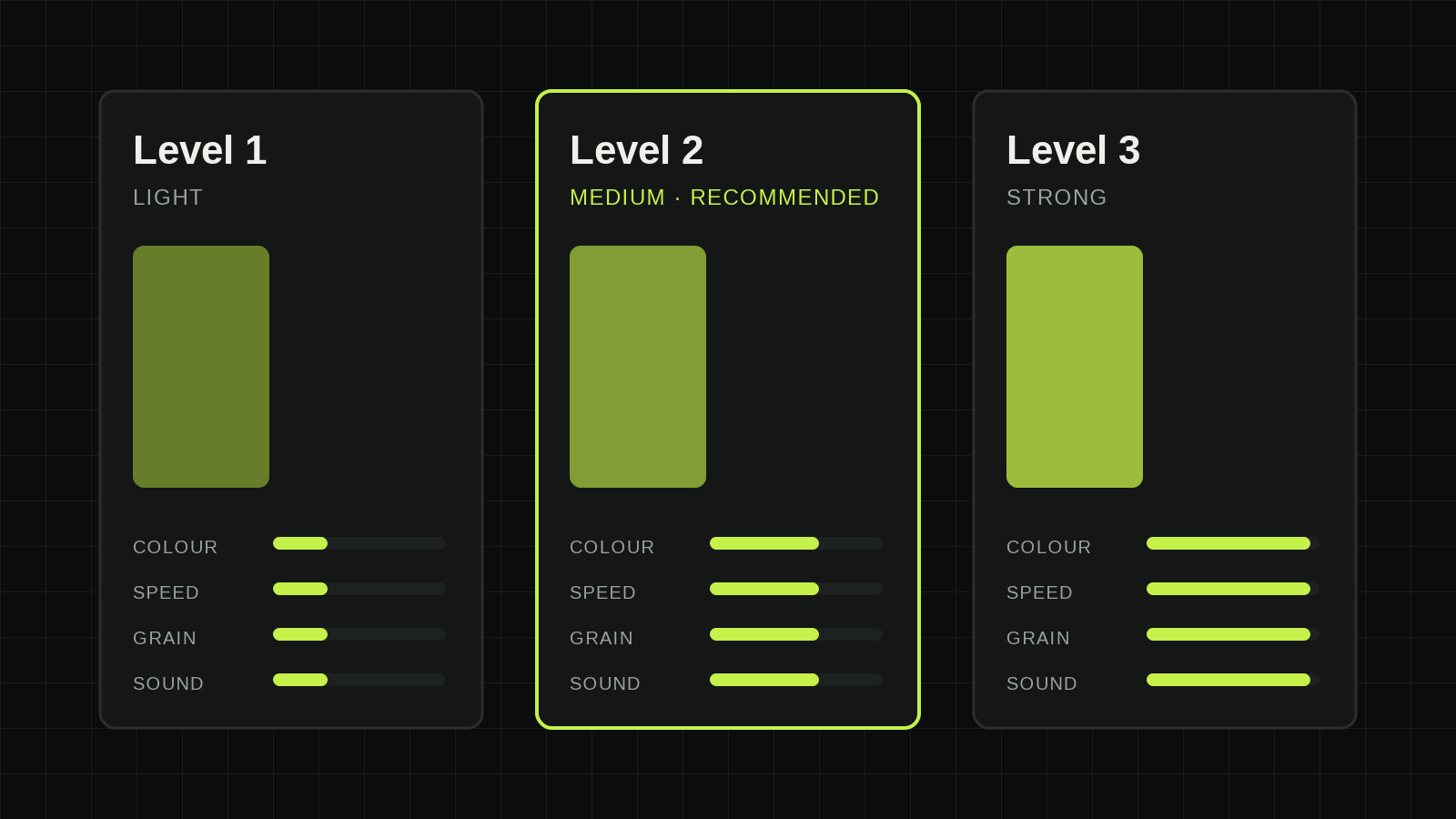
- Framing: a slight zoom in or out and a slightly shifted crop. The zoom range is the same at every level, so your subject is never cut off too much.
- Speed: a few percent faster or slower, so little that you hardly notice it while watching.
- Colour and light: brightness, contrast, saturation and a slight tint.
- Look: fine grain, a soft glow or a light vignette at the edges.
- Sound: volume and tone minimally different.
What doesn’t change: your content, your message, your edit, your text. Anyone who knows your video will recognise it in every version.
You can also switch individual changes off completely in the expert settings, for example speed or hue. How that works is covered in expert settings: turn changes on and off.
The three levels compared
| Level 1 | Level 2 | Level 3 | |
|---|---|---|---|
| Label in the app | light | medium, recommended | strong |
| How noticeable | barely visible | visible but natural | clearly noticeable |
| Good for | videos with exact colours, products, brand looks | most videos | calm videos with little movement, many versions of one video |
| Take care with | – | – | skin tones, brand colours, very dark footage |
Which level suits your video?
Three questions to the right level
- Do exact colours matter? For products, logos or brand colours, choose level 1. That keeps the colours closest to the original.
- Is it a normal video with movement? Performance, talking head, tutorial, vlog: choose level 2. It is preselected and the best choice for most videos.
- Do you need a lot of versions of a calm video? For a static shot you plan 20 or more versions of, level 3 can make sense. Check the first versions closely.
Unsure? Compare quickly
Start a small single order with 3 versions at level 2 and look at the result on your phone. If it feels too close to the original, try level 3. If it feels too changed, try level 1. The comparison only costs a few trial reels. The single order isn’t part of the trial, but level 2 is a good start there.
How to set the strength
Set the strength
- Open the form. “New campaign” or “Single order” in your overview.
- Scroll down. Below the videos and the text step you find the strength setting (Stärke der Veränderung).
- Tap a level. Depending on your plan level 1, 2 or 3. Level 2 is preselected.
- Start. The level applies to all versions of this order. You’ll find it later on the order page under “Details”.
What the strength can’t do
To be honest: the strength is about looks, not a lever for reach. A stronger level doesn’t make a video more successful. How often Instagram suggests a trial reel is decided by the platform alone, and how people respond is decided by your content.
Why it can still make sense to show a good video in several versions is explained in create reel variations. The biggest difference between two versions is one you make yourself: a different hook. How that works is covered in add text to your reels.
Quality at every level
All versions have a high bitrate. 4K videos are brought down to 1080p first, and HDR videos, for example from an iPhone, are converted to normal colours automatically so they don’t look washed out.
Frequently asked questions
Which strength should I choose if I’m unsure?
Level 2. It is preselected, changes things visibly but naturally, and suits most videos. Only switch if the result feels too close to the original or too changed.
Can I choose a different strength per video?
Within one order, one strength applies to all videos. If one video needs a different level, start a separate order for it.
Can you see the changes?
At level 1 hardly at all, at level 2 if you look closely, at level 3 more clearly. Side by side the differences stand out more than when scrolling through reels.
Does a higher level use more quota?
No. Every finished version counts as one trial reel, whatever the level.


