Product Reels for an online shop: four formats that work without a studio
Product Reels for an online shop: four video formats with one product, how reelbatch helps (hook ideas, text, Trial Reels) and what to check first.

A product in a Reel rarely needs a studio. Usually a phone, good light and a clear idea of what people see in the first seconds are enough. This article shows four formats that online shops often use, and what reelbatch does for them.
The article Trial Reels for businesses describes how to test videos for product brands and online shops. The formats below are ideas to start with. Adapt them to your range.
Four formats
Two vendor blogs offer ideas for business videos. Clipchamp (updated 7 Aug 2025) lists product demo Reels and teasers for new products. WebsiteBuilderExpert (updated 30 Jan 2023) lists products in use, the making process and tips on use. The four formats here are derived from them.
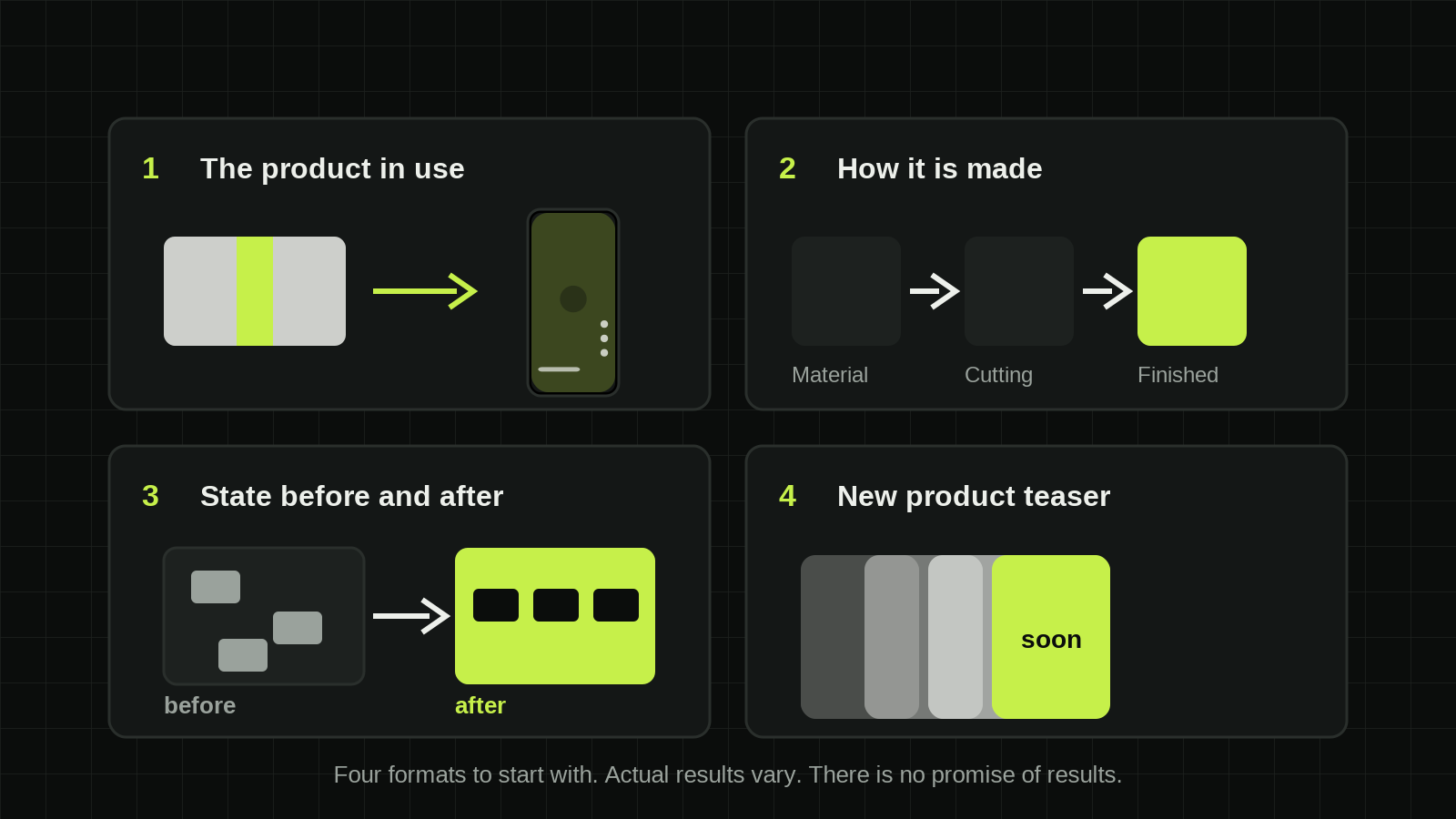
- The product in use. Show how it is used, in real hand movements. When people see within a few seconds how it works, they understand the product faster than with any sentence.
- How it is made. The way from material to the finished piece, for example cutting, packing or sewing. Fits if you make things yourself or sell something handmade.
- State before and after. Box closed and open, shelf empty and full. The comparison is clear without words. It shows only what can be seen. Statements about what a product does do not belong here unless you can back them up.
- New product teaser. Before a new item launches, three or four short clips from different angles, with the launch date at the end. A teaser shows what is coming without giving away everything.
How to build a product Reel
Steps for a product Reel
- First second: make the product visible. The first frame decides whether someone stays. More in Reels cover: planning the first frame.
- Choose the length by the hand movement. One movement needs only a few seconds. When a video becomes too long is explained in Reel length: what fits which format.
- Check light and sound. Film the product in front of a window, not with the window behind you. More in Phone video: light and sound.
- Put text into the picture. One word is enough, such as the product name or the one property you want people to see. The text editor offers twelve looks and a colour picker.
What reelbatch does
- Hook ideas by swiping. You get suggestions for topic, tone and language, keep the ones that fit and discard the rest. More in Hook ideas by swiping.
- Test new videos with non-followers first. A new product video can go out as a Trial Reel to people who do not follow you yet. What makes sense here is explained in Trial Reels for businesses.
- Brands for several product lines. From the Standard plan you create brands and describe in the "Style & tone" field how they sound. Captions and hook ideas then follow that.
- Captions with hashtags. Each job gets a caption. Before posting, you adjust it as described in Edit captions and copy them.
What to check first
- Is the product easy to recognise in the video, including on a small screen?
- Does the text promise nothing the video does not show?
- Does the tone fit your brand, even in short sentences?
Frequently asked questions
Do I need a studio?
No. A phone by a window is enough for most of these formats. The article does not assume any special equipment.
How long should a product Reel be?
The length follows the hand movement, not a fixed number. A teaser can be shorter than a demonstration that shows every step. The best check is your own: watch the video once through and note the second from which you already know everything.
How many videos should I shoot of one product?
One video in slightly changed versions gives you several attempts without filming again each time. How this works with Trial Reels is explained in the article on Trial Reels for businesses.
Does a product Reel bring more sales?
We cannot say. This article gives no figures for sales or reach, and reelbatch does not promise results.
Sources
- Clipchamp, "25 Instagram Reel video ideas for businesses", updated 7 Aug 2025: clipchamp.com/de/blog/instagram-reels-video-ideas-business/
- WebsiteBuilderExpert, "10 Great Instagram Reel Ideas for Businesses", updated 30 Jan 2023: websitebuilderexpert.com/social-media/reel-ideas-business/
Both sources are vendor blogs. We take only the ideas from them, not any figures.
In short
Four formats are enough to start: the product in use, how it is made, state before and after, a new-product teaser. With a phone, light and one word in the picture, you can shoot them without a studio. Actual results vary. There is no promise of results.


