Phone video for Reels: get light and sound right
Get usable light and clear sound for Reels with your phone, without new gear. With an example and what reelbatch takes off your hands afterwards.

You do not need a new phone for good Reels. Two things usually decide the result: light that shows the subject, and sound that stays clear. You can improve both with the phone you already have.
The camera in a phone is usually good enough for Reels. What it cannot do by itself is choose where you stand in relation to a window, how close your voice is and whether the room is quiet. That is what this article is about.
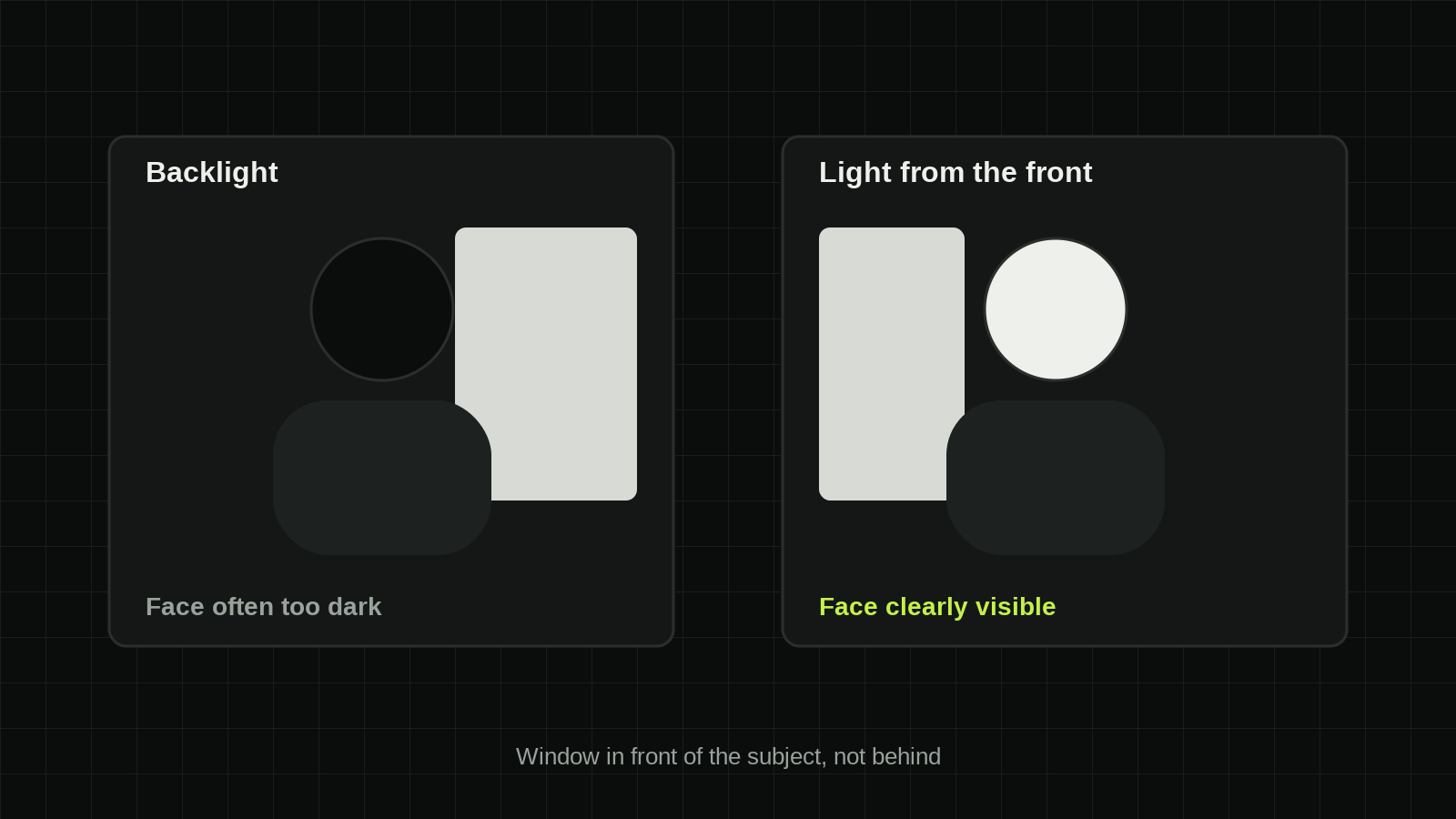
Light: the window in front of you
Daylight is usually the simplest light source. Place yourself or the subject so that the window is in front of the face. If it is behind you, the subject turns dark, because the camera adjusts to the bright background.
Direct sunlight creates hard shadows on the face. A bright, cloudy day gives more even light. A desk lamp from the front works similarly to a small window. Ceiling light from above, on the other hand, puts shadows under the eyes.
Also, move closer instead of zooming. Digital zoom makes the picture grainy. One step closer does more than any magnification.
Keep it still
A shaky picture looks restless, even when the content is right. Support the phone: on a firm surface, leaning against a wall or in a holder. Hold it upright, the way the Reel will play later.
If you move, stay still for the first two seconds. The eye finds its footing faster, and you can cut the start more easily later.
Sound: close, with little echo
The microphone sits on the phone. The closer the voice, the clearer it comes across. Hold the phone as close to your mouth as is comfortable, without your breath being heard.
A room with hard, smooth walls sounds hollow. Curtains, a sofa or a full wardrobe dampen the echo. Before you record, switch off the fridge, fans and the TV. Then record a test clip of five seconds and listen to it before you speak the whole text.
Whether you may use music or recordings by others is a separate topic. It is not covered in this article. The Reels checklist reminds you of it before you post.
What reelbatch takes off your hands
- When you upload, reelbatch checks format, size and length. Details are in Upload Reels.
- A Reel works without sound if the text is in the picture. The text editor has the look “Subtitles” for this. reelbatch does not offer spoken subtitles.
- A shaky start can be cut in a campaign under “Cut” by removing seconds at the beginning. The preview shows the result.
How to go about it
Before you record: four steps
- Find the window. Stand so that the light comes from the front. Take a still image and look at the face.
- Support the phone and hold it upright.
- Check the room. Switch off background noise and listen to a five-second test clip.
- After uploading, check the preview and cut the start if needed.
An example
A baker shows how she folds dough. At first she stands with her back to the window. In the video the hands are only outlines and the face is barely visible. Then she turns the table so that the light comes from the front left. The dough is sharp and the hands are easy to see. In the test clip she hears the fridge in the background, switches it off and records again.
Illustration for demonstration. Actual results vary. There is no promise of results.
Frequently asked questions
Do I need a tripod?
No. A firm support is enough for short Reels. A tripod helps with longer takes when you do not move.
Is the phone camera enough?
For Reels, usually yes. Light, distance and sound matter most. Which camera settings work best, we deliberately leave out. The information about them is outdated or contradicts itself.
Is a clip-on microphone worth it?
Often more than any setting on the phone, if you talk a lot. Whether it is worth it depends on how often you speak in front of the camera.
Sources
These tips are practical rules for filming with a phone. We deliberately do not give measured values, because the figures in the sources are outdated or contradict each other. The rules for orientation, size and length are in Upload Reels.
In short
Light from the front, the phone supported, the sound close and without echo. What is still not right afterwards you can fix in reelbatch, for example by cutting the start or using the look “Subtitles”, without filming again. The checklist for the day you post is in the Reels checklist.


