Upload reels: formats, size and length
Upload reels in reelbatch: which formats are accepted, how large and how long a video may be, and what happens when the connection drops.

Before reelbatch makes versions from your video, it checks the file. This usually takes only a moment. If something does not fit, the app also tells you what is wrong. This article shows which videos are accepted, how large and how long they may be, what happens when the connection drops, and how to fix the usual error messages.
Which files are accepted
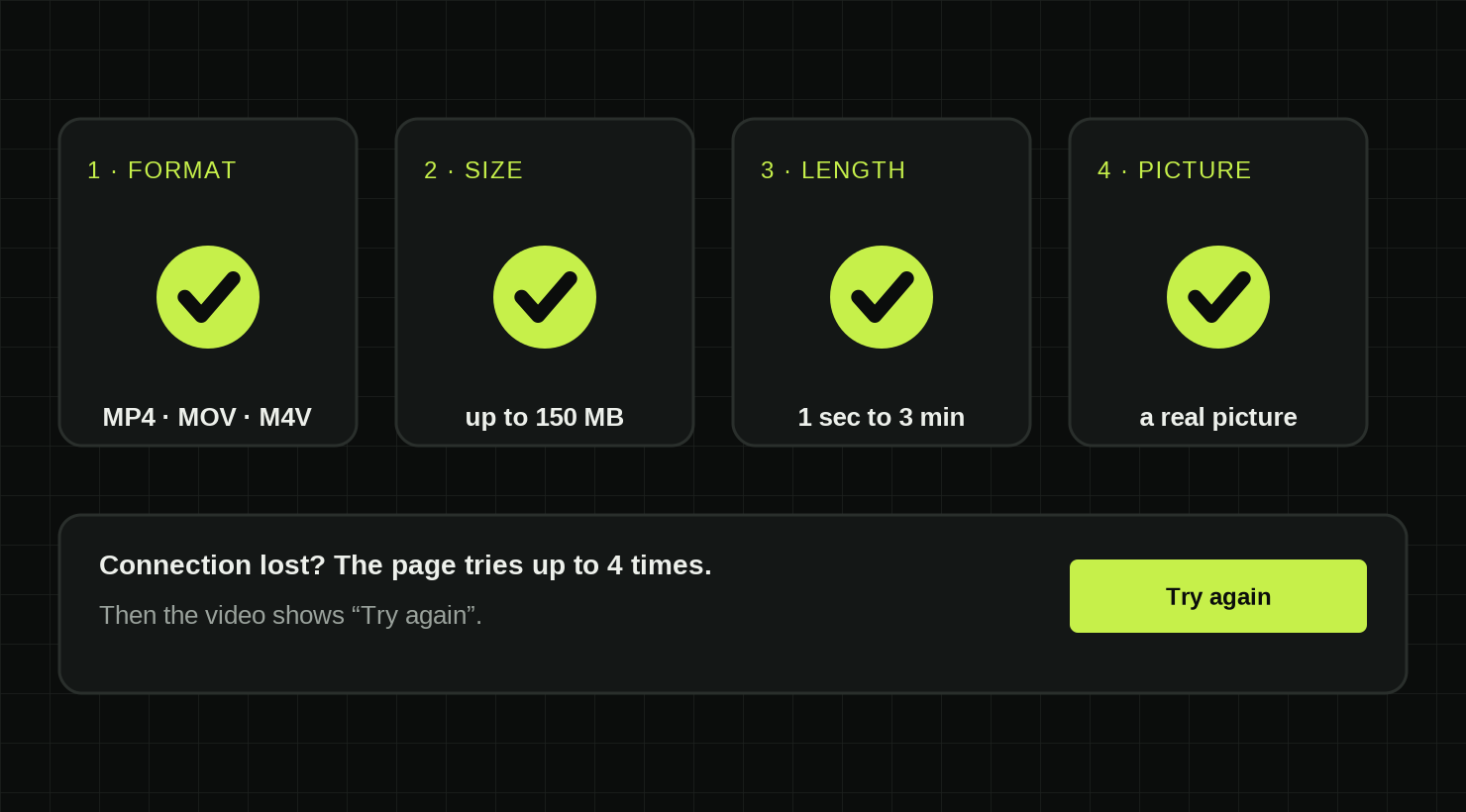
- Format: MP4, MOV or M4V. reelbatch rejects other formats.
- Size: at most 150 MB per video.
- Length: at least 1 second, at most 3 minutes.
- Content: a real video with a picture. A file that is empty or has sound only does not pass.
The app checks the size while the upload is running. A file that is too large stops early, so you do not have to wait for the end. reelbatch checks the length and the content afterwards. How long a Reel should be is explained in Reel length.
You can select several videos in one go. The page works through them one after another. If one video has a problem, you only need to replace that one. The others stay in the upload. How to add the videos to a campaign and how many you need is explained in Plan a campaign.
What the error messages mean
Each message names the file and says what is allowed. The most common ones and what to do:
| Message (in short) | What you do |
|---|---|
| Not a supported format. MP4, MOV and M4V are allowed. | Export as MP4 or MOV in your video app and upload again. |
| Too large. At most 150 MB per video is allowed. | Export it smaller, for example shorter or at a lower resolution. |
| Too long. At most 3 minutes is allowed. | Cut the video. Reels are usually much shorter. |
| Too short. At least 1 second. | Check that the file is complete. |
| Could not be read. Is it a valid video? | Open the video in your device’s preview. If it does not play there, export it again. |
| Contains no usable picture. | The video has sound only or an empty picture. Choose another file. |
| Empty or not fully transferred. | Upload the file again. |
When the connection drops
On a phone it can happen that the network disappears while a video is uploading. reelbatch handles it like this:
- The page tries again. Up to four times in total: the first try and three repeats. The pauses grow, after about 2, 5 and 10 seconds.
- Without a network it waits. It carries on as soon as the device is online again.
- If the connection hangs and there is no progress for 90 seconds, it counts as broken.
- If it still fails, the video shows the button “Try again”. Tap it and the attempt starts from the beginning. You do not have to select the video again.
With a stable connection you rarely need this. It helps when the network is unreliable on the road.
Check briefly before you upload
- Is the video MP4, MOV or M4V, at most 150 MB and between 1 second and 3 minutes long?
- Does it have a picture and not only sound?
- Is it the video you really want to post? The checklist for posting helps you check picture, sound and text in advance.
- If it is too long or too large, cut it in your editing app before you upload.
Frequently asked questions
Why is my video rejected when it plays in Instagram?
reelbatch has its own limits, because the app has to process the video to make versions from it. The limits of Instagram are a different matter. The message tells you which limit applies and what you can do.
Can I upload several videos at once?
Yes. In the upload field you can select several files. Each file is checked on its own, and a rejected file does not stop the others.
What if I still see an error after trying again?
Then the file itself is usually the cause: its format, size or length. Read the message, adjust the file and upload it again. The other videos are not affected.


