reelbatch What’s new: reading versions and patch notes
The reelbatch What’s new page explained: where to find it, what highlights and patch notes show, how version numbers work and what the “New” marker means.

The What’s new page lists what is new, better or fixed in every version of reelbatch. At the top you see the most important changes as highlights, under “Patch notes” every single change, grouped by topic and filterable. Anything added since your last visit carries a “New” marker. Bigger changes are also explained here on the blog.
Where to find it
- In your area: tap “What’s new” (Neuigkeiten) at the top right. A green dot on the button shows there is something new since your last visit.
- Without logging in: at app.reelbatch.de/neuigkeiten, for example if you want to see how actively reelbatch is developed before starting the trial.
- In the footer: the current version number is shown in small print at the bottom of every app page.
How the page is organised
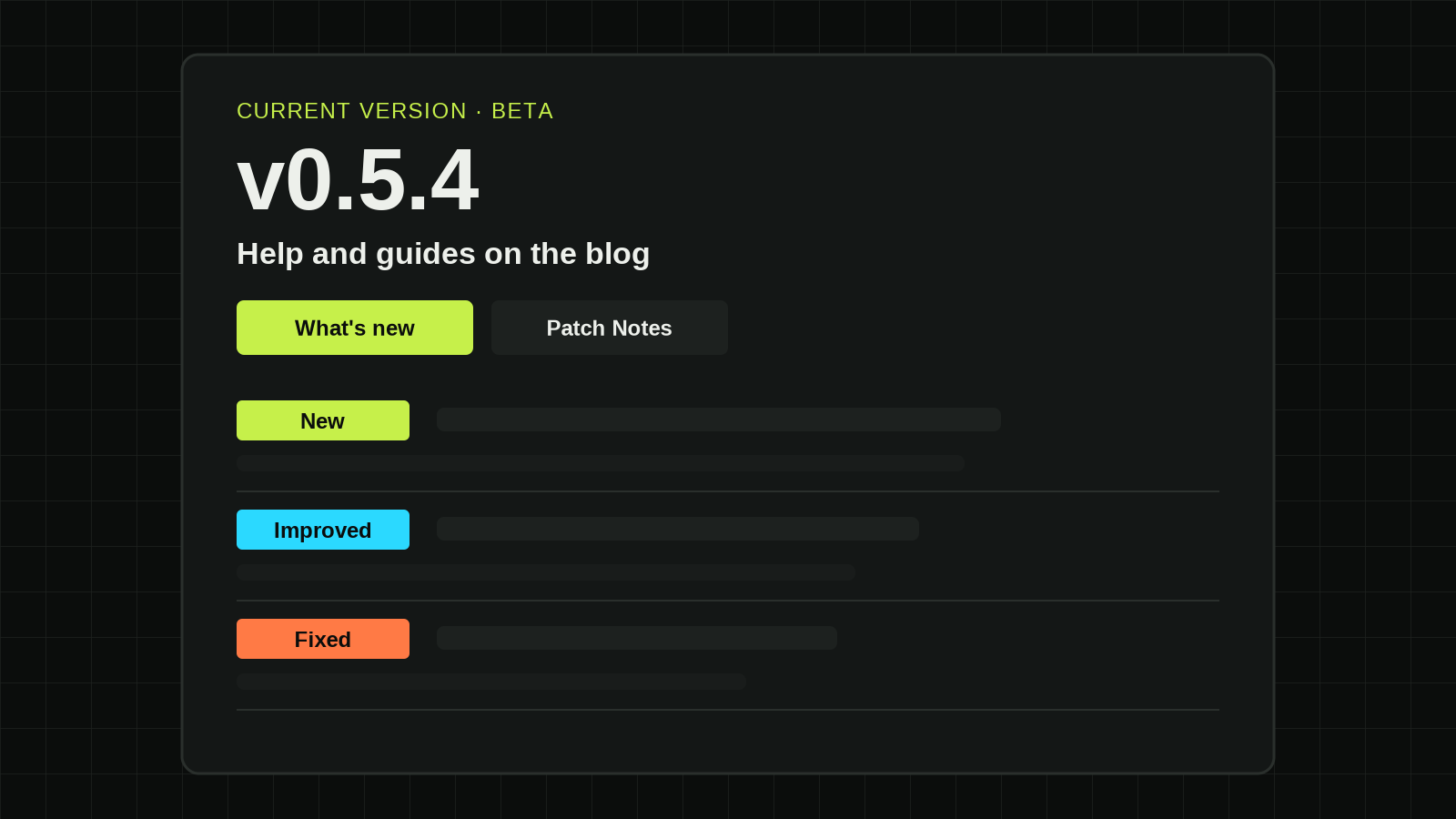
| Section | What you find there |
|---|---|
| Header | The current version, its title, date and time, one sentence on what it brings and how many entries of each kind there are |
| Highlights tab | The highlights of every version, told with the benefit for you |
| Patch notes tab | Every single change, grouped by topic |
| Filter | Show only New, Improved, Fixed or Security |
| “More on the blog →” | For bigger changes, a link to the matching article |
See only the bug fixes of a version
- Open What’s new. At the top right of your area.
- Choose the patch notes tab. Every version is listed with all its entries.
- Tap the “Fixed” filter. Now you only see fixed bugs.
- Back to everything. “All” shows every entry again.
The version numbers
reelbatch is in beta, so all versions start with 0:
- 0.1 “Launch”: the first release in September 2026.
- 0.5 “Beta start”: the big release for the start of the beta on 29 September 2026.
- 0.5.1, 0.5.2, 0.5.3 …: everything since the beta start, from new buttons to bug fixes.
- 0.6, 0.7 …: only come with a big new topic.
Each version shows the date and time it went online. What the beta is about overall is summed up in reelbatch 0.5: the beta has started.
What “New” means
The “New” marker appears on everything added since your last visit to the page. Once you have opened the page, everything counts as seen and the green dot on the button disappears. It comes back with the next update.
Report wishes and bugs
Much of what’s on the What’s new page came from feedback. If something is missing or stuck, write to us directly from your area via “Report a problem” or at info@reelbatch.de.
You can react to and comment on every item. How that works and where you find our replies is explained in the guide Feedback & ideas.
Frequently asked questions
Do I need to do anything after an update?
No. We install updates on the server, there is nothing for you to install. Reload the page if something doesn’t look as described.
Why don’t I see an entry I’ve heard about?
We only switch on some features once they run reliably. As long as they are switched off for customers, they don’t appear on your What’s new page.
Where can I learn more about a change?
For bigger changes there is a “More on the blog →” link below the entry. It leads to an article that explains the feature in detail.


