Reels subtitles: text look or caption?
Reels subtitles: what the Subtitles look in reelbatch can do, what a caption is, and why spoken subtitles don't belong to reelbatch.

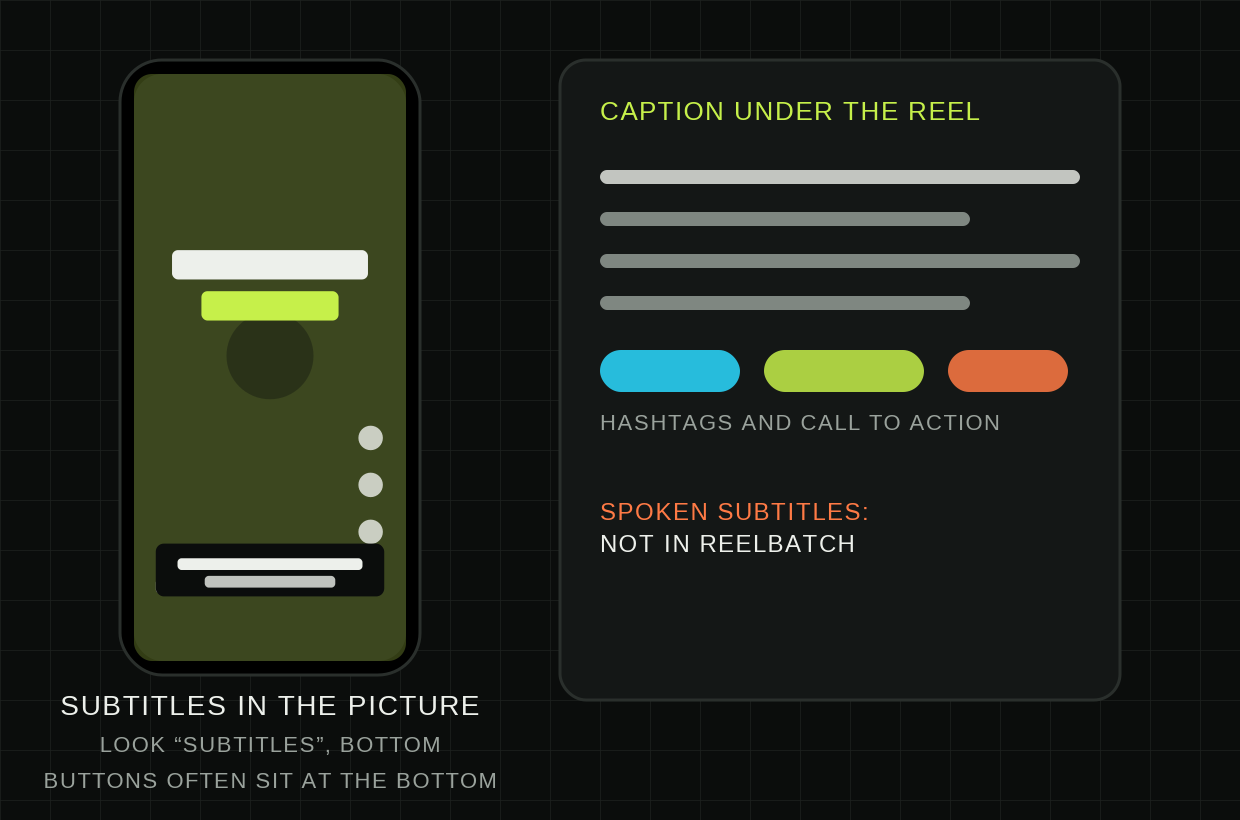
When people search for subtitles for reels, they often mean two different things. One is text in the video itself, usually at the bottom of the picture, so people understand it without sound. The other is the description text under the reel, which Instagram calls the caption. reelbatch has a feature for both, but they are not the same thing.
This article explains what you can do with subtitles in reelbatch, what you can't, and how to set the Subtitles look so it stays readable.
Three things "subtitles" can mean
| What is meant | Where it sits | How it works in reelbatch | Fits when |
|---|---|---|---|
| Text on the picture, bottom | In the video itself | Text editor, Subtitles look | The hook must be clear without sound |
| Description text | Under the reel in Instagram | Captions, see below | You want context, hashtags and a call to action |
| Spoken subtitles | In the video, line by line with the speech | Not in reelbatch | Every word should appear in sync |
The first two are part of the work in reelbatch. The third you can't do with it. More on that below.
Using the Subtitles look in the text editor
The look shows the text in plain type at the bottom of the picture, with a soft shadow. Here's how:
- Write the text (block A). Keep the line that should appear in the video short. Two lines is the maximum that stays easy to read.
- Choose the look (block B). Tap the Subtitles tile. Which looks you get depends on your plan.
- Check the position (block C). The look already places the text at the bottom. Move it a little higher in the preview if Instagram's bottom edge covers it.
- Choose the distribution (block D). You decide whether a text stays for the whole video or only for the first 3, 5 or 8 seconds.
The exact steps are in Add text to a reel.
What reelbatch doesn't do
Good to know before you invest time:
- reelbatch doesn't create subtitles from the audio track. The app doesn't listen to your voice and doesn't write a transcript.
- Texts don't run line by line with the speech. A text stays on screen for the whole version or for the first seconds. It isn't tied to a moment in the sound.
If you need spoken subtitles that show each word at the right moment, a video editor or the subtitle feature of your video app works better. What's possible there depends on the app version.
The bottom edge is tricky
That's exactly where Instagram often places buttons and the description. The Subtitles look only works if the text stays clear. Check it in the preview and keep the text in the safe area. Two settings help:
- In block D, under "Where do you post?", you get more margin if you choose reels and ads. With only regular reels, the text may sit lower.
- Instagram Reels safe zone explains which areas Instagram covers.
How to check readability
Watch the video on your phone with the sound off, the way a viewer sees it. Three questions help:
- Can I read the text the first time? If you have to pause, the line is too long or the type too small. Shorten the text before you shrink the type.
- Does anything cover the text? Buttons and the description sit at the bottom. Check this on your phone, not on a laptop, because the picture looks different there.
- Is the timing right? A text that disappears after three seconds has to be readable from the first word. With the whole video, it has more time.
Captions: the text under the reel
Captions are not subtitles on the picture. They're the description text under the reel, with hashtags and a call to action. reelbatch can create them too. You adjust them and copy them from the download folder. Edit and copy captions explains how.
Frequently asked questions
Does reelbatch add subtitles to my video automatically?
No. reelbatch doesn't analyse the audio track and doesn't write subtitles from what you say. You write the text yourself and decide where and for how long it appears.
Can I show subtitles exactly when I speak?
No, that doesn't work in reelbatch. A text stays for the whole version or for the first 3, 5 or 8 seconds. For line-by-line subtitles you need a video editor or the subtitle feature of your video app.
Why don't I see the Subtitles look?
Depending on your plan, you get either all looks or only a selection. The tiles in the editor show you which ones apply to you.


