Search keywords in the caption of a Reel
Search keywords in a Reel caption: what vendors write, what Instagram does not state clearly, and how to put terms into your text naturally.

The caption under a Reel can help people find it through search. How much Instagram weighs it, Instagram itself does not state clearly. So this article covers what is confirmed, what vendors write, and what you can do yourself.
What we checked
We opened Instagram's pages: the help centre, the overview of Instagram and the Creators blog. Most of their content is loaded by script afterwards. In the text we could read, we found no clear statement about search keywords in captions.
That is why this article relies on two vendor blogs. Both sell tools for social media. Their statements are assessments, not statements from Instagram.
What vendors write
- Planoly (last updated 22 Sep 2025) writes that Instagram is moving towards keyword search, much like TikTok. Terms should appear in the caption, the title and on-screen text. The same article says Instagram's keyword search is not as strong as TikTok's. It says Instagram confirmed this, but we could not find such a statement from Instagram.
- Fanpage Karma (12 Sep 2025, in German) writes that bio, captions and alt texts contain searchable terms, and that search matches search queries with content.
Both agree on one point: keywords should appear in normal sentences. Planoly calls a list of search terms that nobody would say out loud keyword stuffing. It feels artificial.
What your caption can do
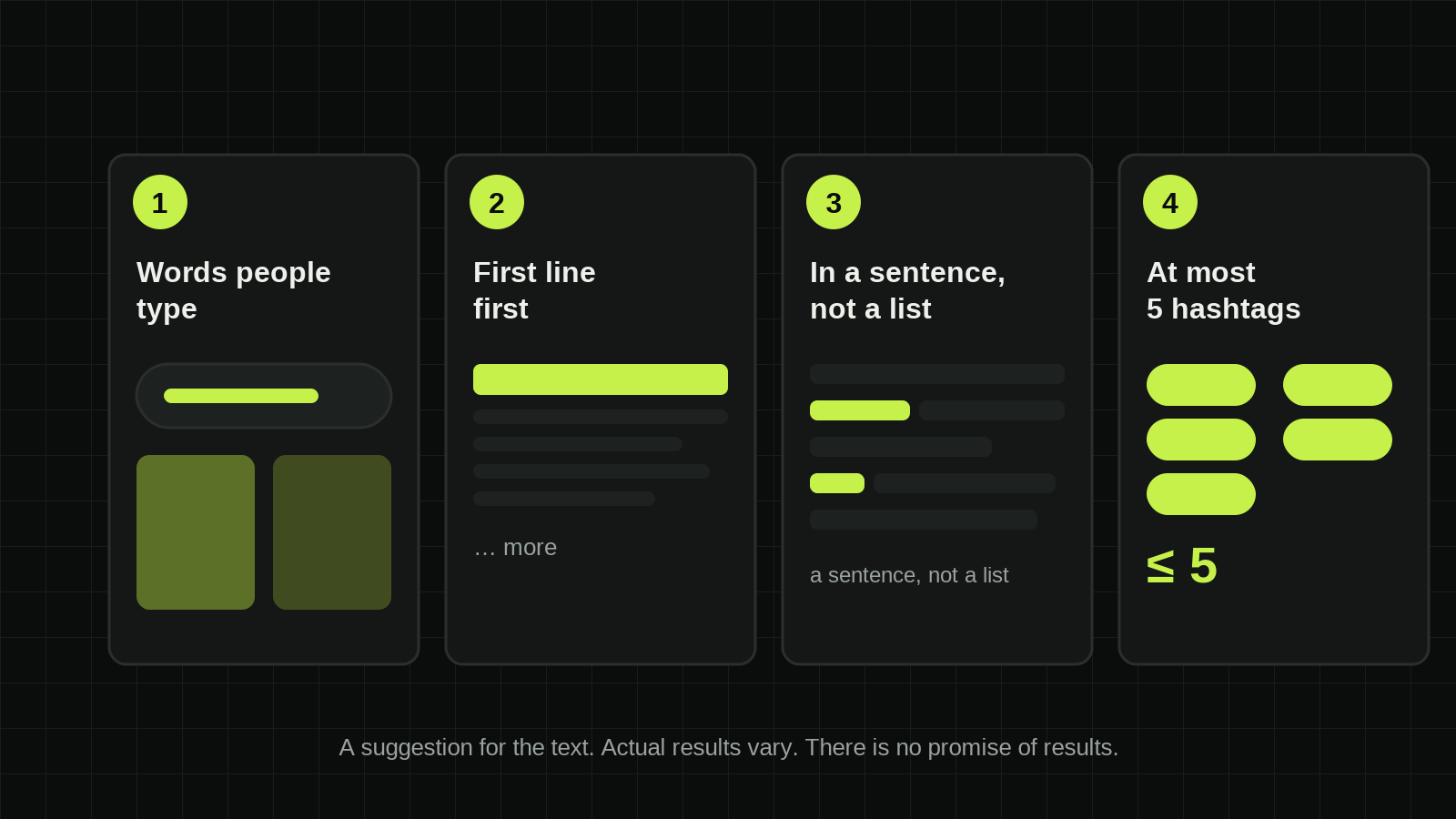
Put terms into the caption
- Write down how people search. Think of the words someone types, for example "meal prep without cooking", not hashtags. Type a word from your topic into Instagram search and see which terms come up for your subject.
- Put the most important part in the first line. Without a tap, people see only the start of the caption. How much that is, is explained in Instagram caption length.
- Put terms in a sentence, not in a list. A sentence that explains what the video is about carries the terms by itself. Example, not a promise: Actual results vary. There is no promise of results.
- At most five hashtags. Hashtags do not replace the terms. Why five, is explained in How many hashtags on Reels.
You can also show the same words in the video as text on screen. In the text editor you choose a look and a colour. Terms that do not appear in the video only mislead people, so leave them out.
What reelbatch does
reelbatch writes captions with hashtags for each job. In the form under "Captions" you can say briefly what the video is about, for example "New single 'Nachtlicht' from Friday". The terms that describe your video then go into the text. Before you post, you adjust each caption on the job page and copy it from the download folder. How that works is explained in Edit captions and copy them.
reelbatch does not, however, analyse search terms. We do not measure which words bring hits on Instagram, and we do not sort captions by them. You decide which words go into the text.
What you can check yourself
Type a word from your topic into the Instagram search and see which Reels and accounts appear at the top. The results can differ from account to account. If the same words keep showing up, they may also fit your caption.
Frequently asked questions
Do search keywords bring more viewers?
We cannot say. We have no figures that prove a link, and we do not promise results. A clear caption mainly helps the people who already see the Reel to understand what it is about.
Do I have to change the terms every time?
No. A Reel that fits your topic usually has a caption that also works for similar videos. Change only what really changed in the video.
Is this the same for every account?
On the pages we could open, Instagram says nothing clear about this. Check the search with your own account.
Sources
- Planoly, "How to Use Keywords on Instagram", last updated 22 Sep 2025: planoly.com/blog/how-to-use-keywords-on-instagram
- Fanpage Karma, blog post on Instagram SEO (German), 12 Sep 2025: fanpagekarma.com/insights/?p=9001
- Instagram: about.instagram.com, help.instagram.com and creators.instagram.com, opened on 21 Oct 2026. We found no clear statement there about search terms in captions. If Instagram publishes something on this, we will review the article.
In short
Search terms may appear in the caption when they fit the video. How Instagram weighs them remains open: Instagram does not say so clearly, and the vendor sources are assessments. reelbatch writes captions with your terms, but does not analyse search. Actual results vary. There is no promise of results.


