Instagram caption length: how long it may be and what people see
How long an Instagram caption may be, what shows without a tap and how reelbatch keeps the length in view while you write the caption.

An Instagram caption may be long, but only the start shows at once. Put the most important statement first, and let the rest go into more detail. This article explains how much room the description has, what shows without a tap and how reelbatch keeps the length in view.
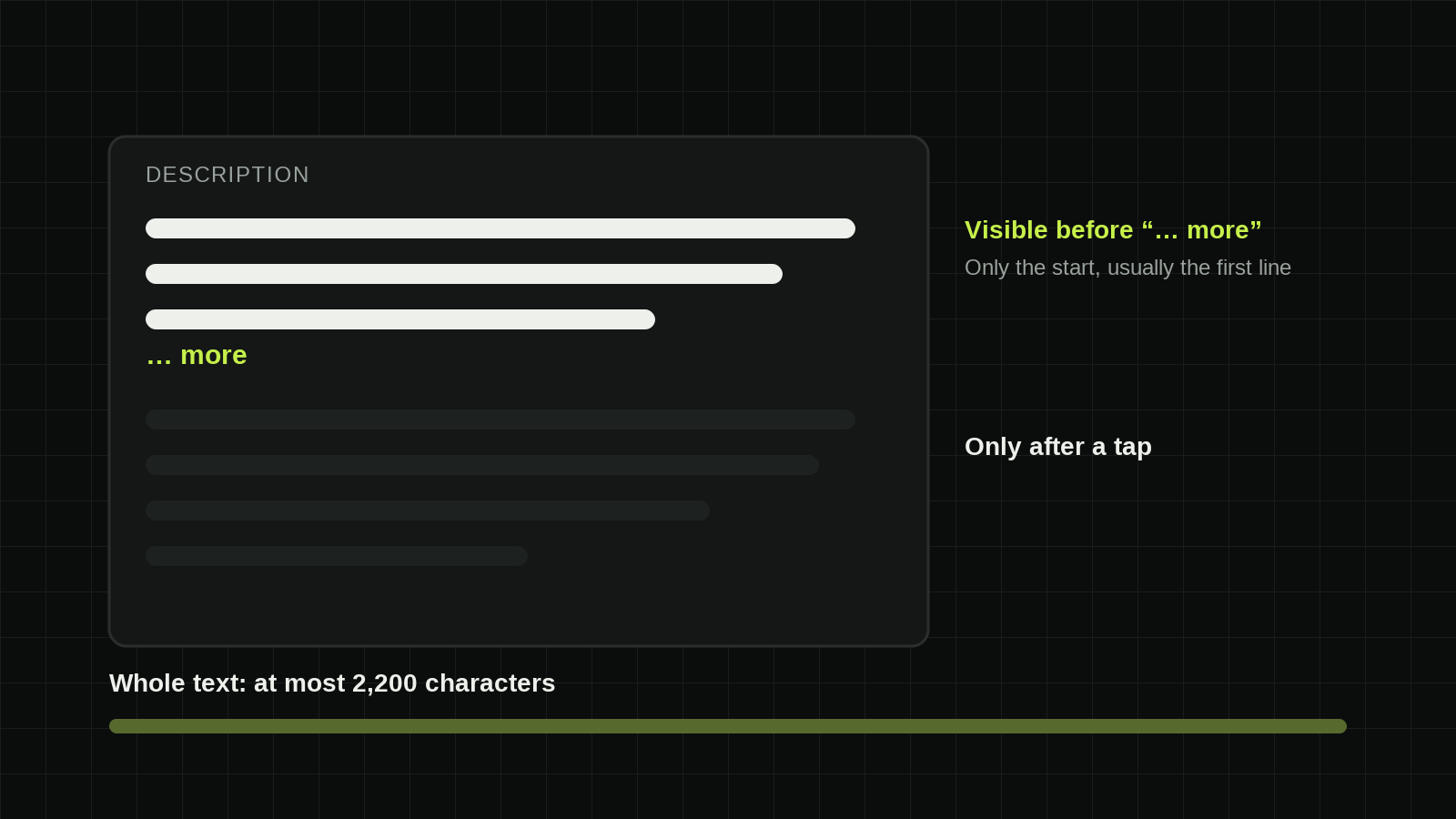
How long it may be
For the whole description, guides agree on up to 2,200 characters. That is roughly 350 words. Hashtags count towards it. The limit applies to the whole text, not to each paragraph. reelbatch also works with this limit, and your own caption may be up to 2,200 characters long.
We did not find an official Instagram page that states this exact number. If Instagram changes it, reelbatch will follow and this article will be updated.
What people see
Before “… more”, Instagram shows only the start of the description. The sources differ here. Some guides name about 125 characters, others the first two lines. The exact spot also depends on the device. So the rule is simple: the first line has to say something on its own.
Check it yourself. Find a Reel with a long description on your phone and see where “… more” appears. Then you know how much your readers see before they tap.
The first line matters most
A good first line says what the video is about, or asks a question the reader wants answered. A weak first line opens with filler such as “Today I want to show you”, and only then comes the point.
For example: “Trial Reels explained: how to try new topics before you show them.” The statement comes first. Whoever wants more keeps reading.
The rest of the description can then give the details: what happens in the video, when it is posted and which note you add.
Who reads the caption
Most people who read the description do not follow you yet. With trial Reels that is often the case, and most of them know nothing about you. A sentence that names the topic helps them more than any greeting.
A before and after: “Today I want to show you what I have been up to.” says nothing about the video. “This is what a trial Reel looks like before anyone sees it.” says straight away what it is about. Only the second one gives an answer.
Short or long: what fits when
A short caption fits when the video speaks for itself, for example a clip from a concert. A longer one fits when you need to explain something, such as a process, an invitation or the story behind the video.
Long texts need paragraphs. A blank line between two thoughts makes the text easier to read, and that matters even more on a phone than on a computer.
How reelbatch keeps the length in view
reelbatch usually writes shorter captions. The aim is about 300 characters without hashtags, so the caption stays quick to read. The hashtags come on top.
On the “Optimise caption” page, reelbatch shows the number of characters below the text, for example “1,234 / 2,200 characters”. That tells you how much room is left. The optimised version stays under 1,800 characters without hashtags, so there is room for five hashtags.
Check the caption length
- Open the caption and read the first line. Does it already say what the video is about?
- Check the characters. Does the text stay under 2,200 characters, hashtags included?
- Set paragraphs. Long texts get a blank line between the thoughts.
- Cut where you can. Filler words and repeated sentences go first.
Frequently asked questions
How long should a good caption be?
There is no fixed number. It is short enough for the first line to pull, and as long as needed to explain the video. As a guide, reelbatch aims for about 300 characters without hashtags.
Do the hashtags count towards the length?
Yes. The hashtags belong to the description and count towards the 2,200 characters.
What do I do if my caption is too long?
Shorten it. Keep the first line and make the rest brief. Often it is enough to drop a paragraph that only repeats what the video already shows.
In short
The description may be up to 2,200 characters long, and the hashtags count towards it. Only the start is visible before “… more”, so the statement goes first. reelbatch counts the characters and writes short. The steps for editing are in Edit captions and copy them from the download folder.


